

App
Inventor
Design apps. Code logic.
Build for real users.

Program Overview
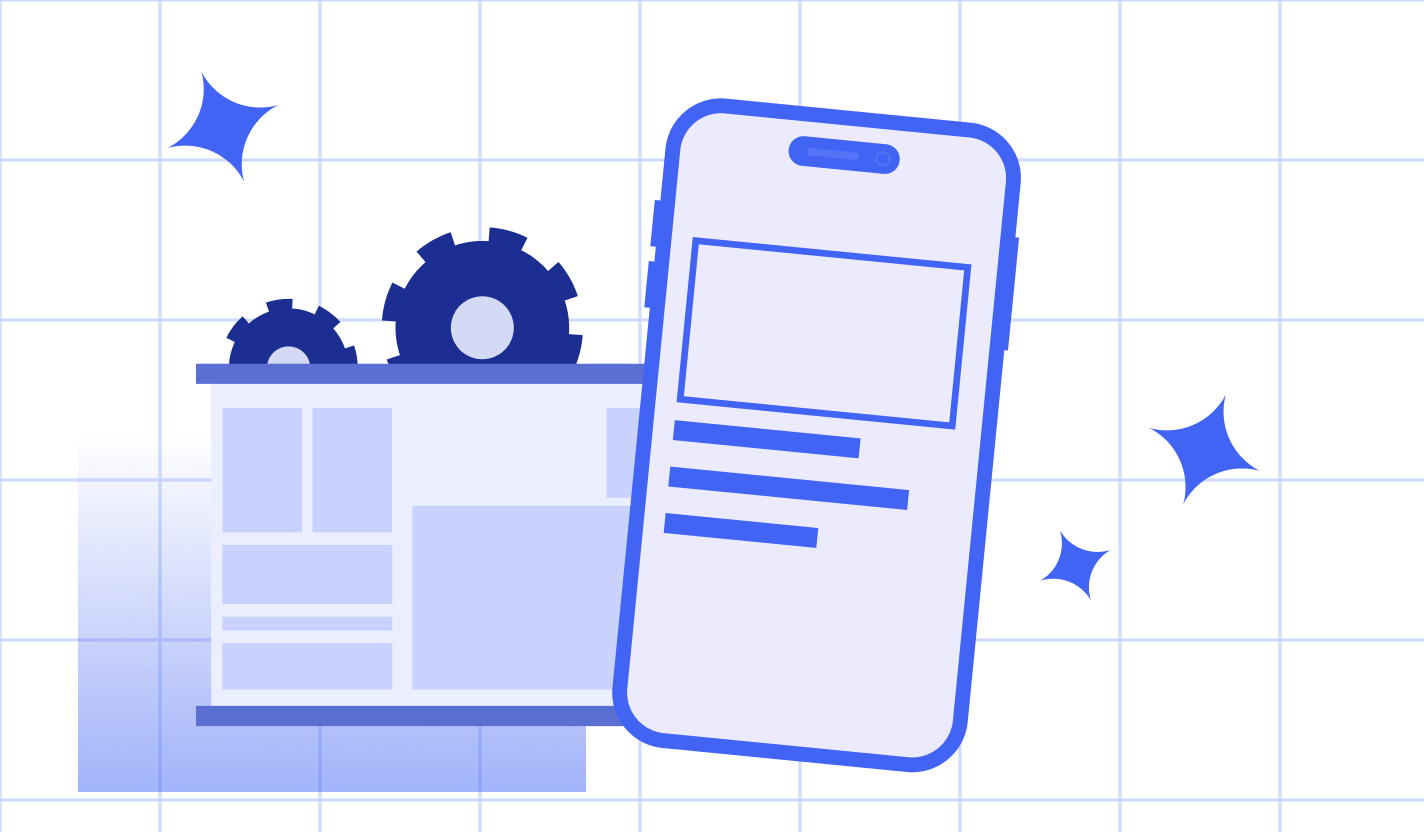
Real App Development
Students build interactive mobile apps with real functionality.
UI & Logic Design
Learning how interfaces, logic, and data work together.
Block-Based Programming
Using events, variables, and conditionals to control app behavior.
Iterative Improvement
Testing, debugging, and refining user experience.
What Your Child Will Learn
App Planning & Design
Defining ideas, features, and app structure.
User Interface Creation
Designing screens with buttons, images, and inputs.
Programming Logic
Coding events, variables, and conditionals.
Debugging & Testing
Fixing logic and improving functionality.
User-Centered Thinking
Refining apps based on behavior and experience.
Program Details
They create fully functional apps they can run and share.
No, block-based and beginner-friendly.
Yes, UI and logic are taught together.
Yes, no prior experience is required.
Game development, Python, and AI programs.
Build Your
First App
Let your child design, code, and share real mobile applications.